01 / Send
Create one review link.
Drop in the shoot folder, RAW files and all, then send the link by text, email, or however you already work with your client.
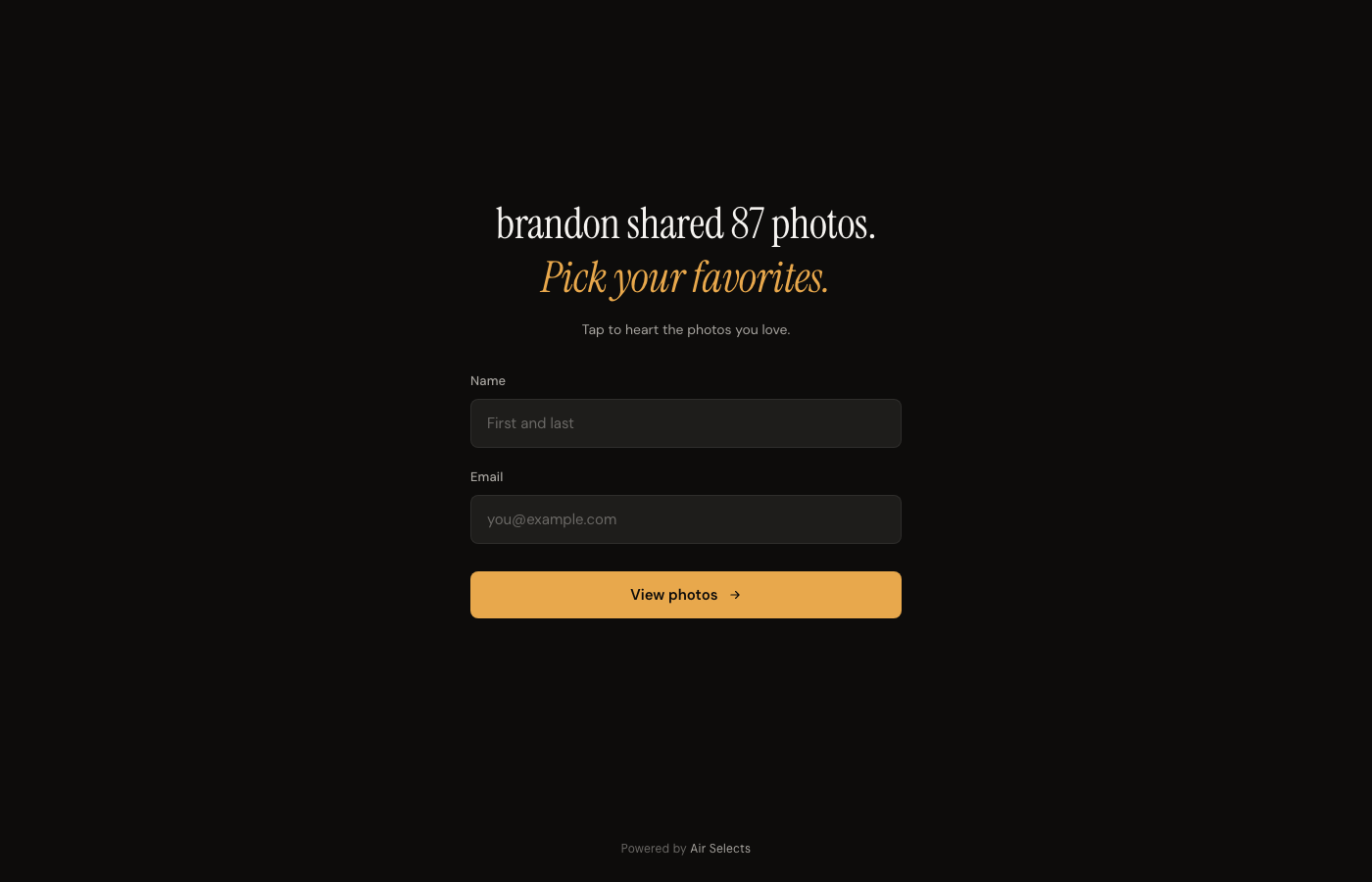
The link opens in a browser. Your client does not install an app or create a password.
How AirSelects works
Send clients one review link. They choose the photographs in the browser. Their picks sync into a Capture One album, or come back as a ranked list of original filenames.
For photographers
No client account to manage. No screenshots to decode. No “which one was number three?”
01 / Send
Drop in the shoot folder, RAW files and all, then send the link by text, email, or however you already work with your client.
The link opens in a browser. Your client does not install an app or create a password.
02 / Decide
Clients heart the frames they want. They can move through the gallery with the filmstrip, arrow keys, or swipes and change a choice before they finish.
The decision stays attached to the image instead of being translated into notes or screenshots.

03 / Return
Open the results to see the most-picked photographs and who chose each one. Hit Sync in the AirSelects Mac app to put the picks in a Capture One album, or copy the original upload filenames and paste them in.
AirSelects does not replace your edit. It gives the edit a clean starting point.

When frames look alike
AirSelects can collapse consecutive near-duplicates into a stack. Open the stack and the enlarged view becomes a clearly bounded Similar set.

Before you send the link
What you and your client should expect from a review.
No. They enter a name and email so their selections can be identified, but they do not create a password, install an app, or manage an AirSelects account.
Yes. A client can remove a heart, choose another frame, and revisit the same link while the review remains available.
You receive ranked results, a voter breakdown, and the original filenames for the selected images. Sync them into a Capture One album, or copy the names, and begin your edit.
No. AirSelects groups visually similar frames and keeps feedback organized. The client makes the picks and you remain responsible for the final edit.
Ready for a cleaner handoff?